Add YouTube videos to descriptions using the WYSIWYG editor
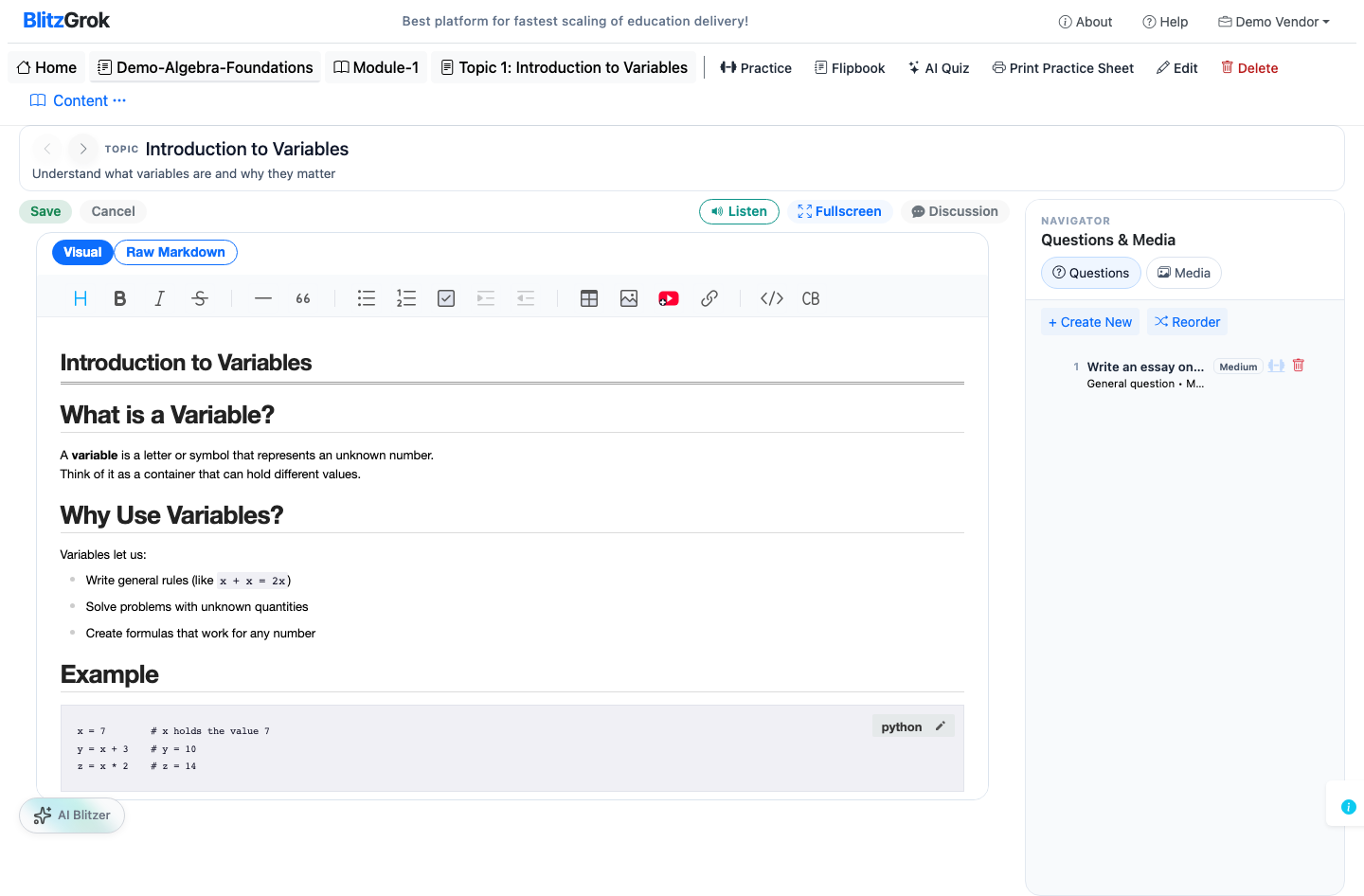
All descriptions on BlitzGrok — courses, modules, and topics — use a WYSIWYG editor with a dedicated YouTube button. Click the YouTube icon in the toolbar, paste any YouTube URL, and the video is embedded automatically. No manual iframe code needed.
watch?v=, youtu.be, /embed/, and /shorts/ formats — no manual URL conversion required.
Open the edit form for your course, module, or topic. In the WYSIWYG toolbar, click the YouTube button.
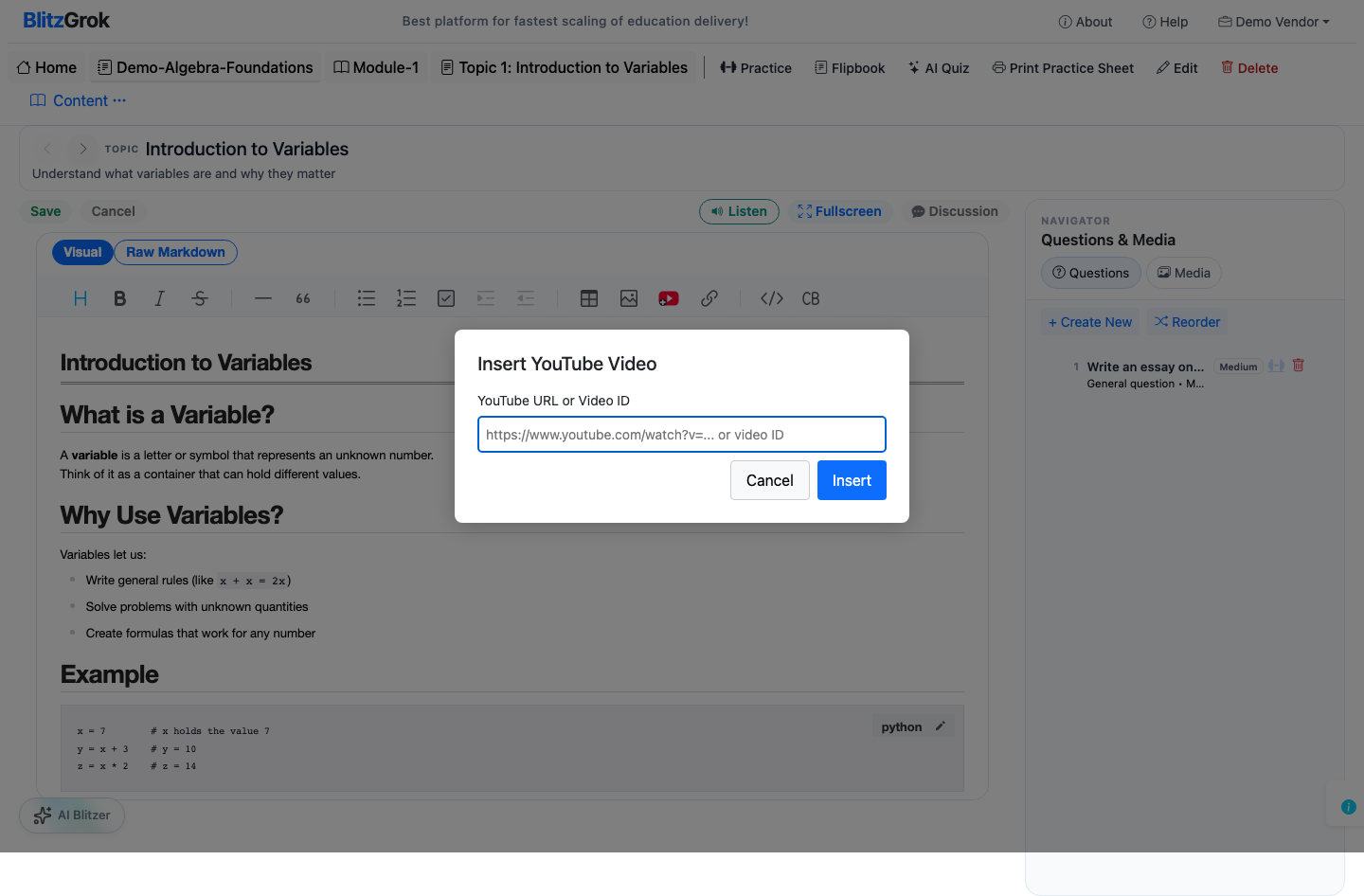
Paste any YouTube link into the dialog — a standard watch URL, a shortened youtu.be link, a Shorts link, or an embed URL. The button handles conversion automatically.
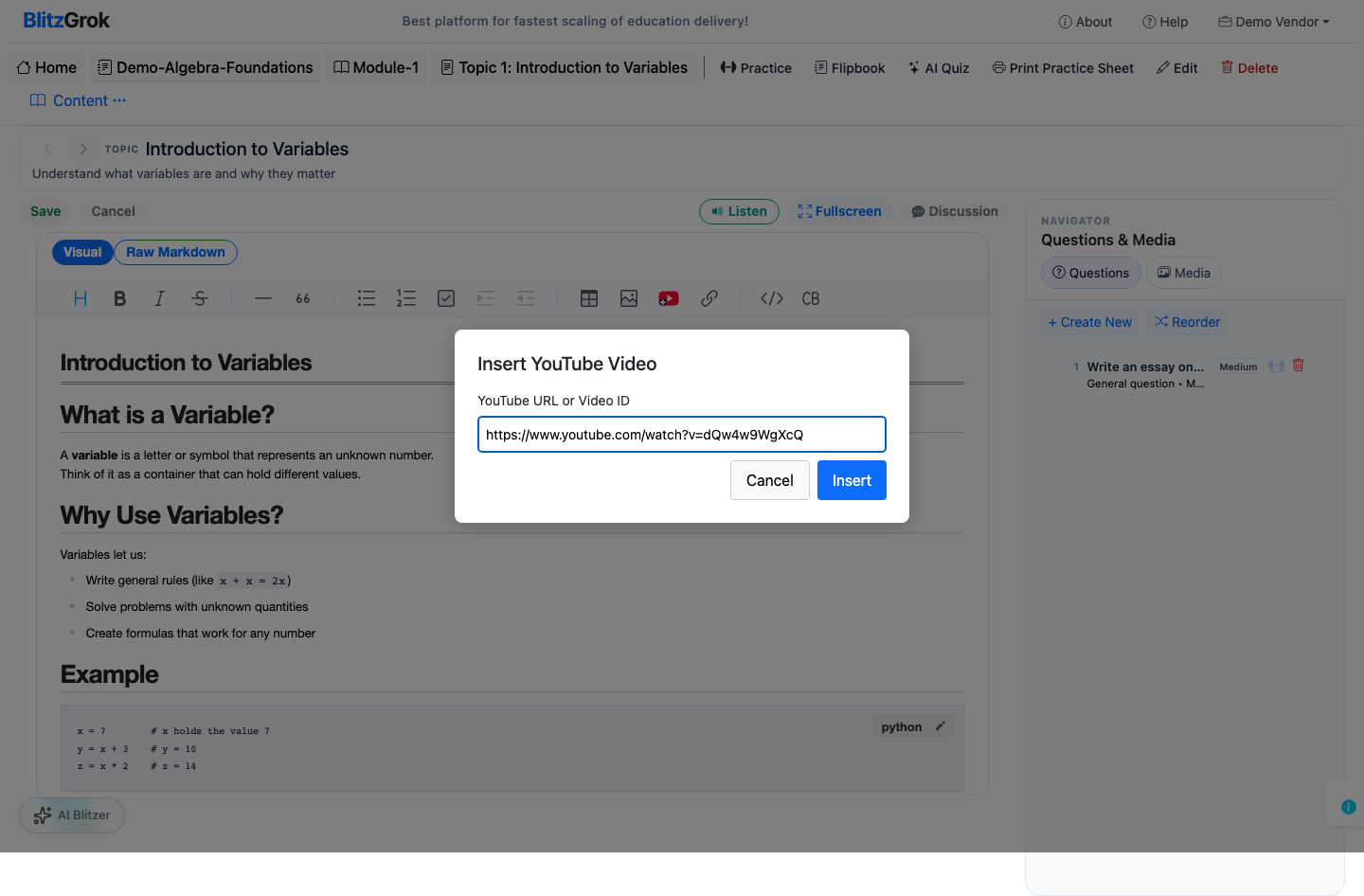
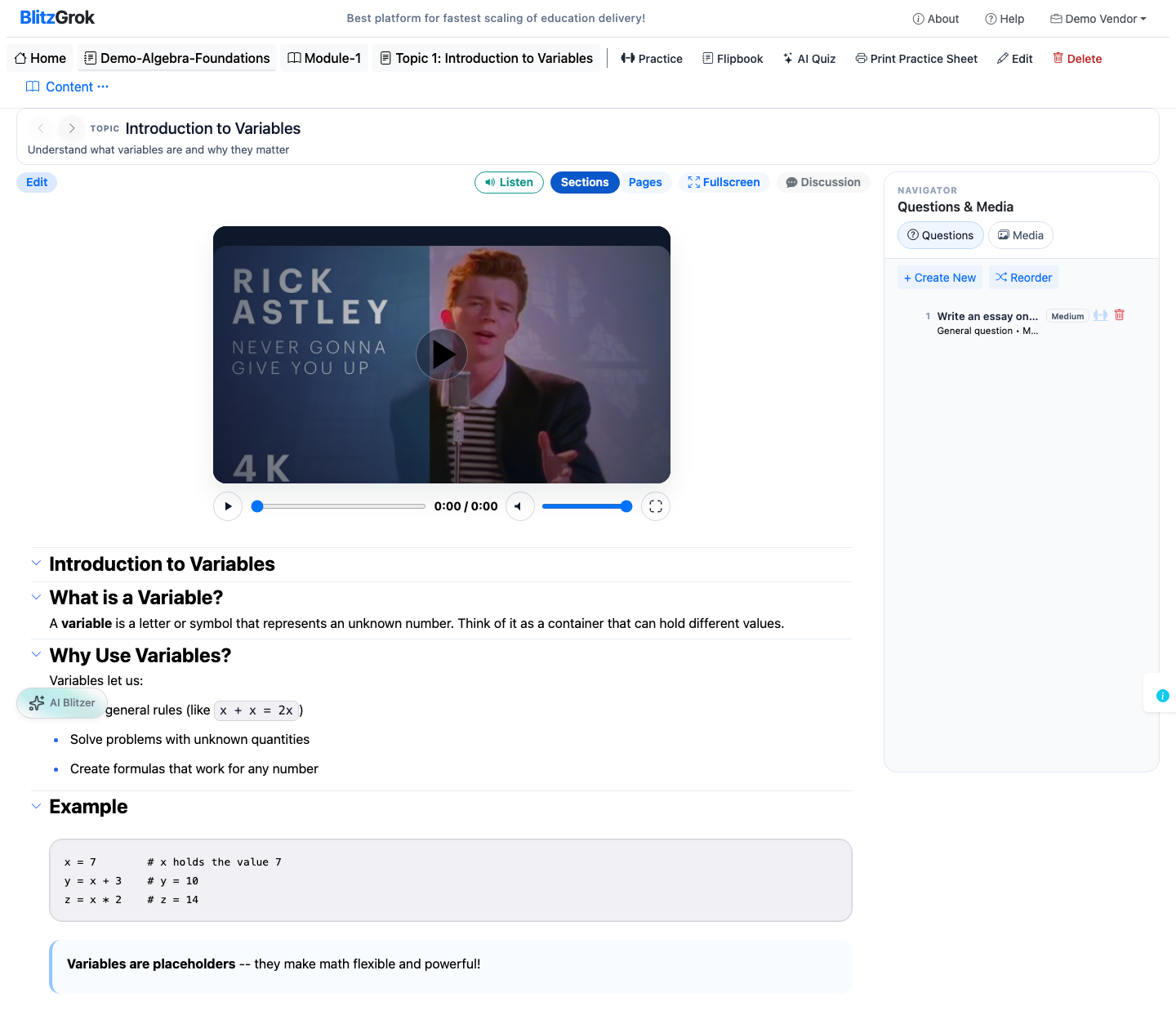
The editor inserts the embed automatically. Save your changes and view the page — the video renders inline in the description.
We're here to help